
Protonmail è una buona alternativa a google gmail da use per inviare e-mail con WordPress. Per farlo è necessario avere una versione pagata, in questo esempio viene utilizzato Protonmail Plus.
Segui i seguenti punti per inviare e-mail con WordPress.
- Connetti il tuo dominio a Proton
- Crea un indirizzo da usare per mandare e-mail
- Genera un token con l'email che hai creato
- Installa e configura WP Mail SMTP to use Protonmail in WordPress
Connetti il tuo dominio a Proton
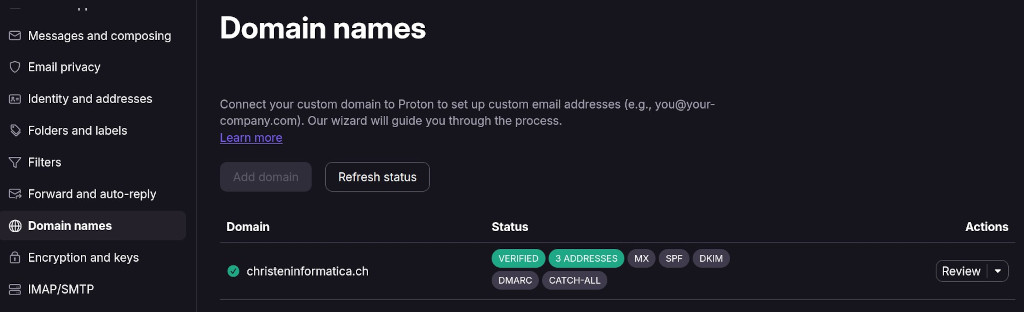
Per connettere il dominio a Proton per configurare gli indirizzi e-mail personalizzati, fai clic sull'icona delle impostazioni, tutte le impostazioni, i "nomi di dominio", aggiungi dominio e segui le istruzioni.
Usa Protonmail per creare un e-mail con il tuo dominio
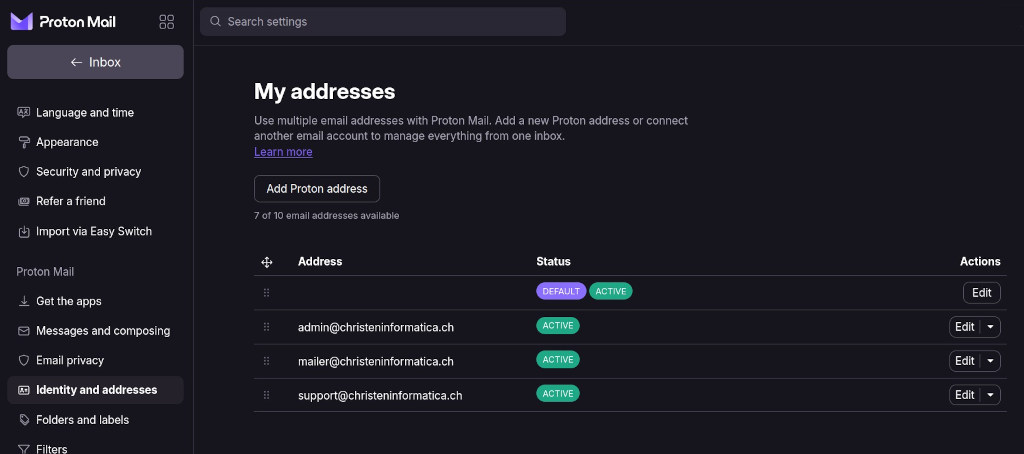
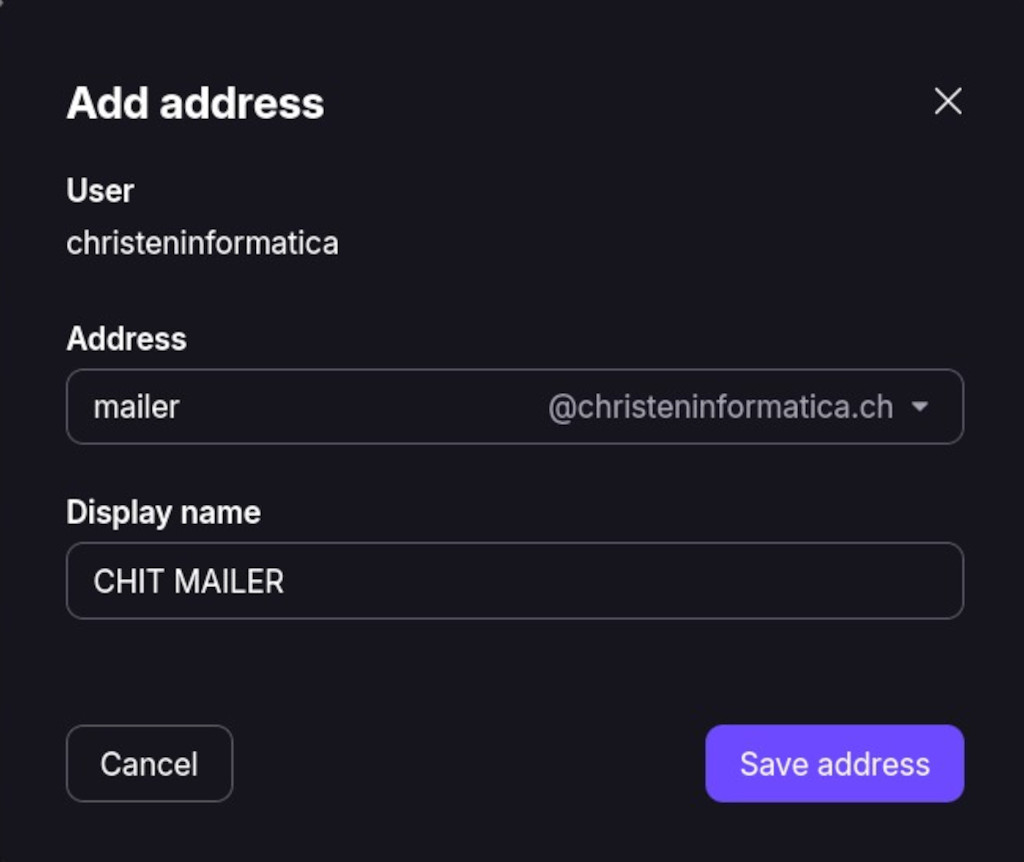
Per creare un e-mail con il tuo dominio usando Proton clicca sull'icona delle impostazioni, poi tutte le impostazioni e infine su identità e indirizzi. Nella sezione "I miei indirizzi" clicca su "Indirizzo Proton".
Proton SMTP Submission – Genera un token
Per generare un token clicca sull'icona delle impostazioni, "Tutte le impostazioni" e "IMAP/SMTP". Nella sezione "Invio SMTP" clicca su “Genera token”.
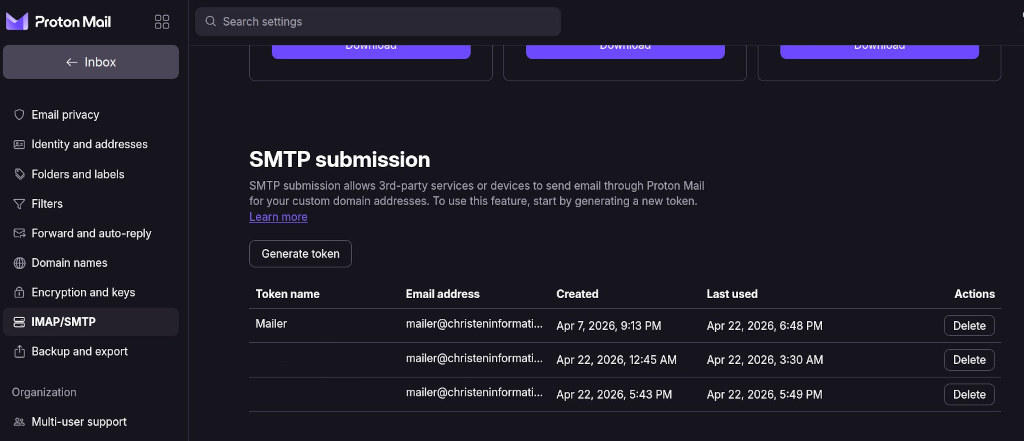
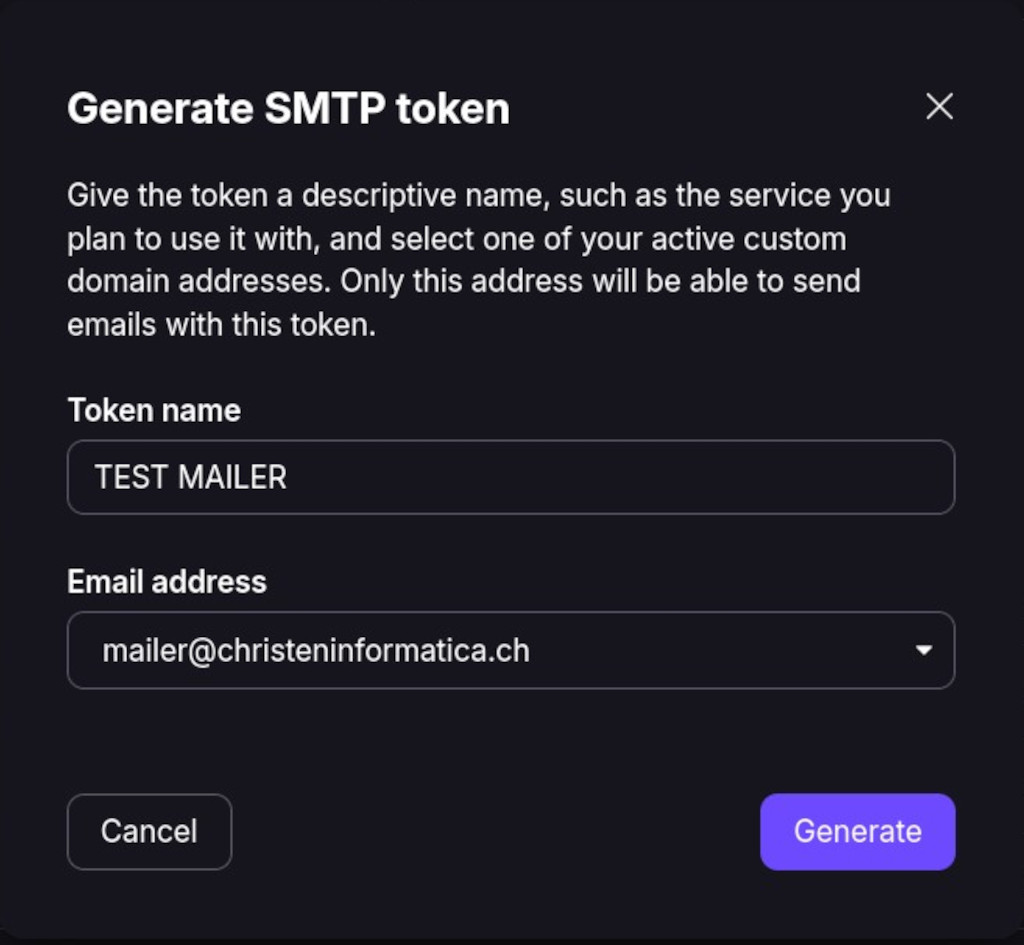
Una volta generato un token si può usere come password per configurare WP Mail SMTP.
WP Mail SMTP Configuration for Protonmail
Scarica e installa WP MAIL SMTP, il plugin per WordPress. Una volta attivato si può avviare il Setup Wizard.
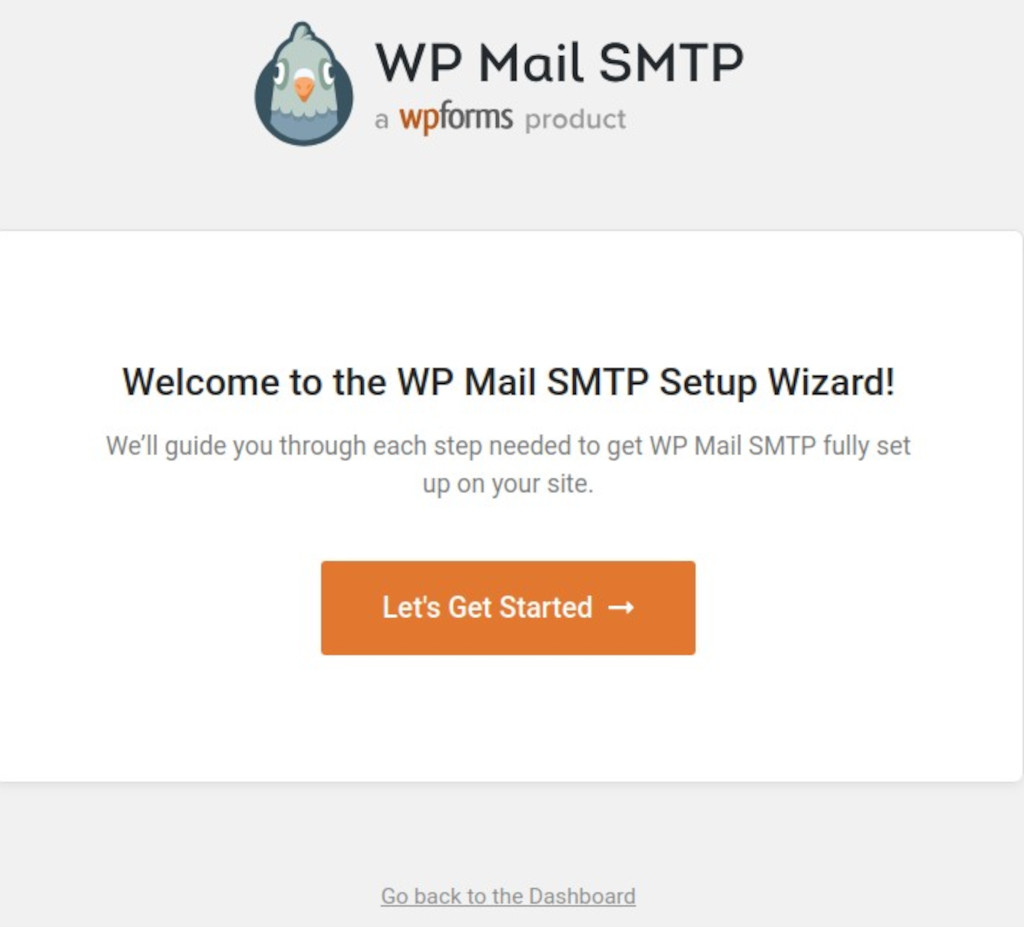
Clicca su Let's Get Started e segui le istruzioni. Scegliere "other SMTP" e cliccare su Save and Continue.
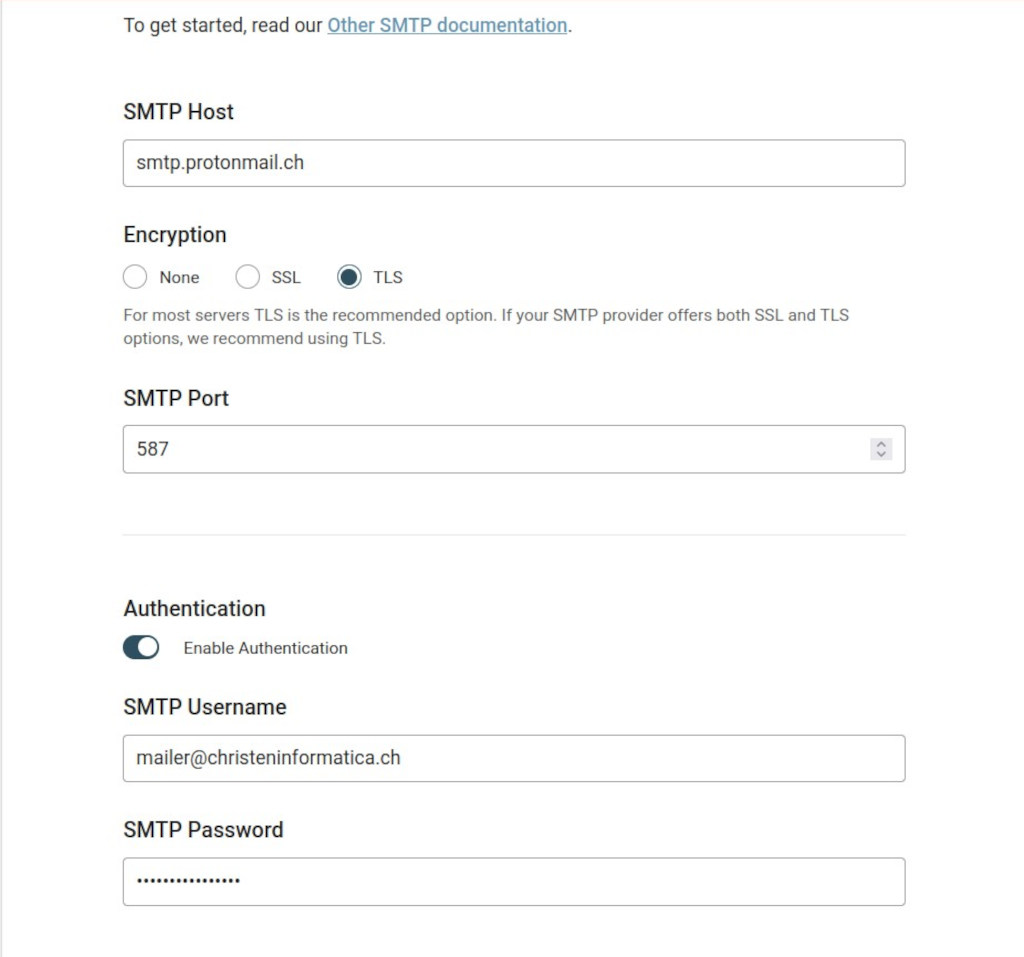
Adesso puoi usare smtp.protonmail.ch come server SMTP, scegliere TLS come metodo di crittografia, utilizzare l'e-mail creata come utente e il token generato come password.