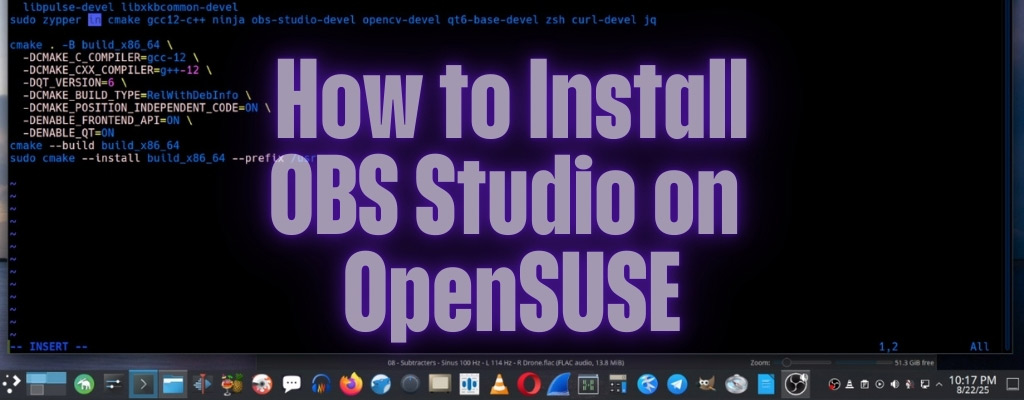
How to install OBS Studio on openSUSE
In this small tutorial I will show you how to install OBS and a plugin on openSUSE.
# zypper in obs-studio
How to install OBS Background Removal on openSUSE
:~> cd $HOME/.config/obs-studio/
:~> cp $HOME/obs-backgroundremoval-1.1.13-source.tar.xz obs-backgroundremoval-1.1.13-source.tar.xz
:~> tar -xf *.tar.xz
:~> cd obs-backgroundremoval-1.1.13-source
:~> ls
:~> cat README.md
:~> cat docs/BUILDING-OPENSUSE.md
In the openSUSE README you will find the commands you need to install the Background Removal plugin for OBS, you can create a script and run it.
vi install.sh
And you put the following in it:
#!/usr/bin/bash
sudo zypper install -t pattern devel_basis
sudo zypper install zsh cmake Mesa-libGL-devel \
  ffmpeg-6-libavcodec-devel ffmpeg-6-libavdevice-devel ffmpeg-6-libavformat-devel \
  libcurl-devel Mesa-libEGL-devel \
  libpulse-devel libxkbcommon-devel
sudo zypper in cmake gcc12-c++ ninja obs-studio-devel opencv-devel qt6-base-devel zsh curl-devel jq

cmake . -B build_x86_64 \
  -DCMAKE_C_COMPILER=gcc-12 \
  -DCMAKE_CXX_COMPILER=g++-12 \
  -DQT_VERSION=6 \
  -DCMAKE_BUILD_TYPE=RelWithDebInfo \
  -DCMAKE_POSITION_INDEPENDENT_CODE=ON \
  -DENABLE_FRONTEND_API=ON \
  -DENABLE_QT=ON
cmake --build build_x86_64
sudo cmake --install build_x86_64 --prefix /usr
Once done you run the install.sh script.
~> chmod u+x install.sh
~> ./install.sh